Laser-ready files, drawn for a laser from the start
Generic AI art is full of gradients, hairlines and open shapes, so it traces into mushy engraves and cuts that won't close. That's the artwork, not you. We generate art drawn for a laser, then hand you SVG, DXF and PNG with cut and engrave layers already separated.
Sign in with Google. Membership from $5/month for 10 designs. Failed generations are refunded automatically.


It's the artwork, not your laser
Hours in Trace Bitmap
Photos and AI art weren't drawn for a laser, so every trace needs cleanup before it will cut.
→ We generate art that traces clean the first time.
Thousands of nodes, open paths
The cut stalls, doubles back, or never closes, and the piece stays stuck in the sheet.
→ Closed shapes, with the cut outline on its own layer.
Mushy engrave detail
Gradients and lines finer than the beam burn to a blur.
→ Pure black and white, with no hairlines a beam can't reproduce.
From a sentence to a laser file
Describe it or upload a photo. We generate the artwork for a laser, trace it, and hand you the files.

What would you make?
Type your idea. It stays filled in while you sign in and pick credits.
Made with LaserBurn AI
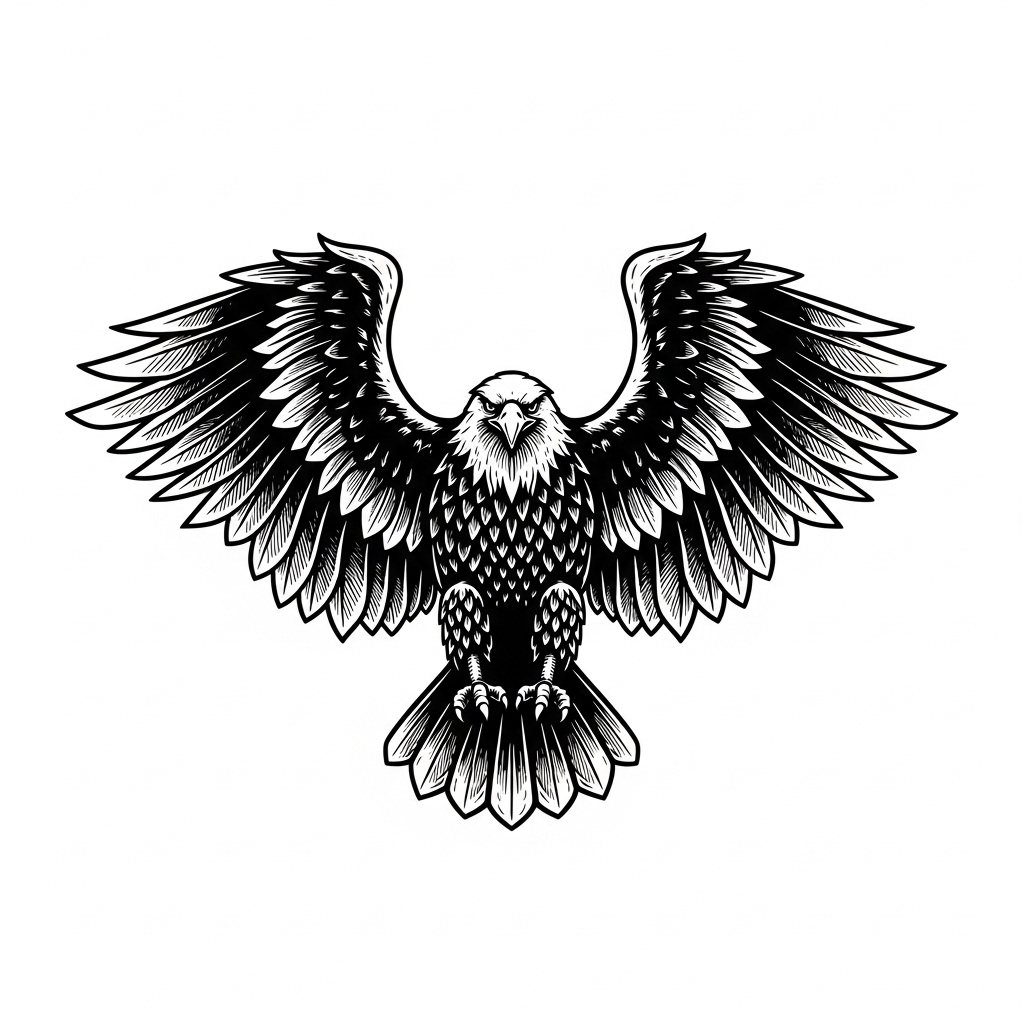
The prompt, and the artwork it produced. Every file you download is traced from art like this.
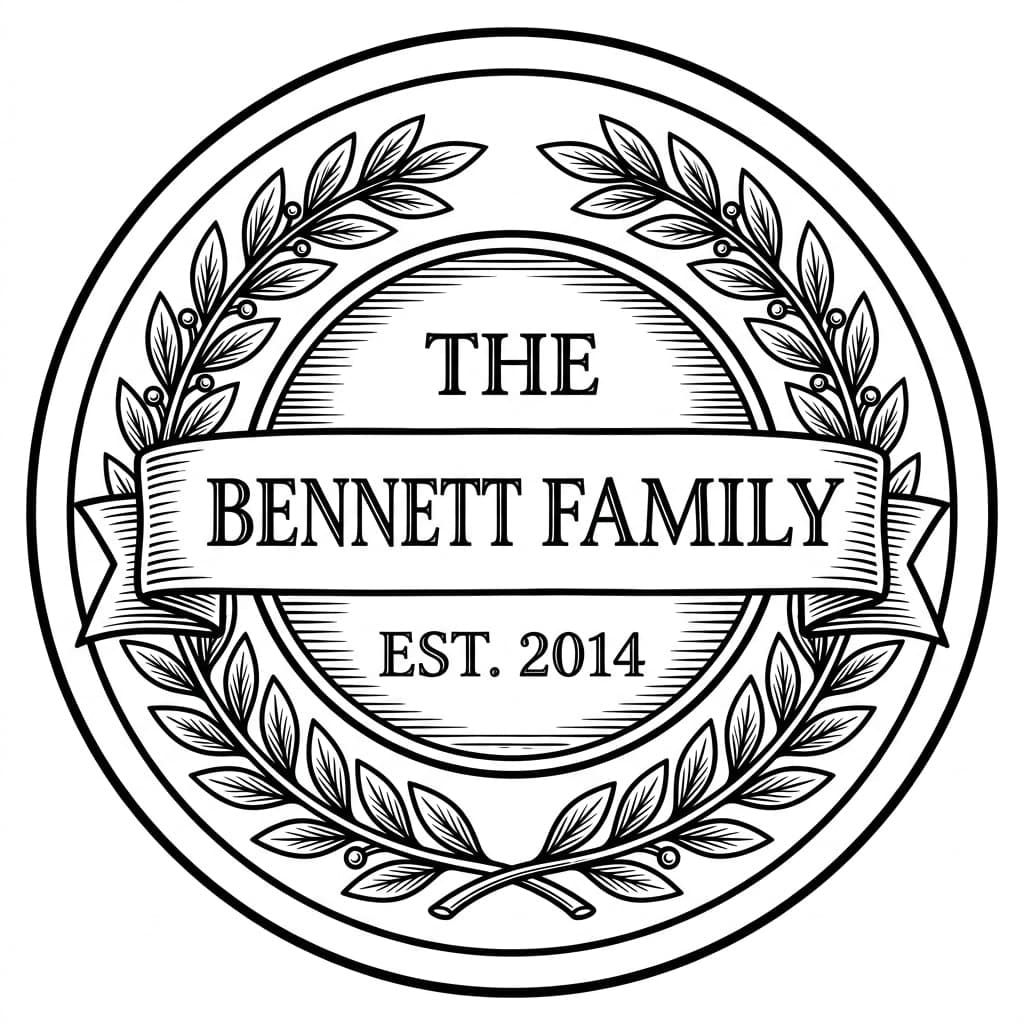
“A round family name sign reading "THE BENNETT FAMILY" and "EST. 2014" with a laurel wreath”
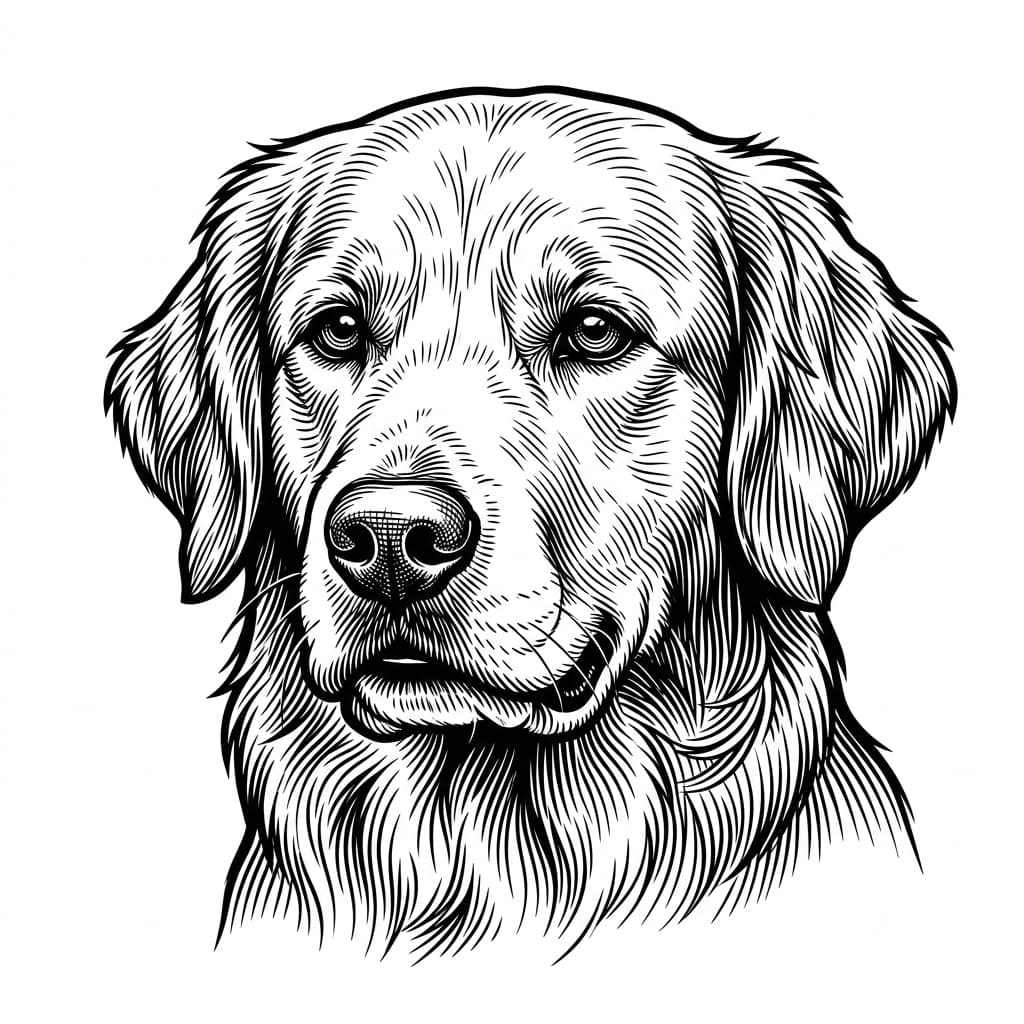
“Golden retriever portrait”
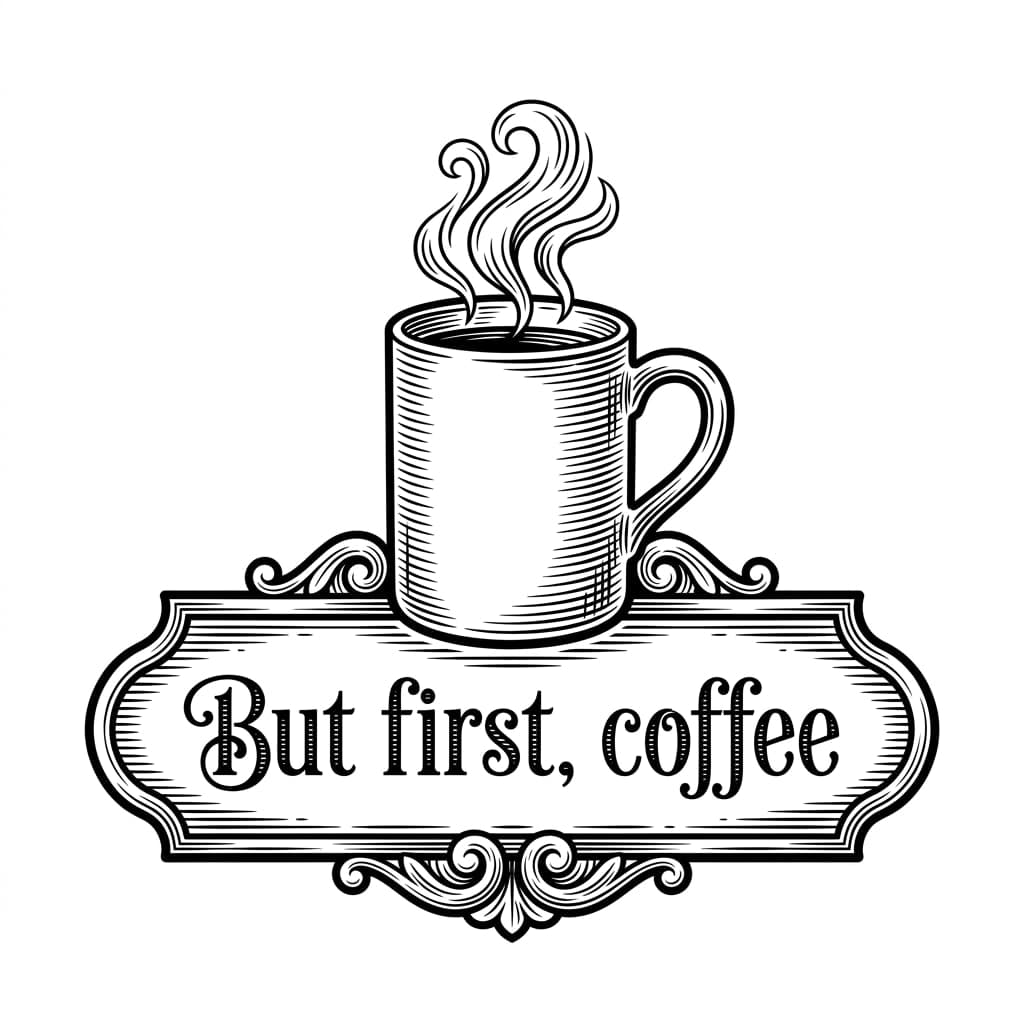
“Kitchen sign reading "But first, coffee" with a steaming mug”
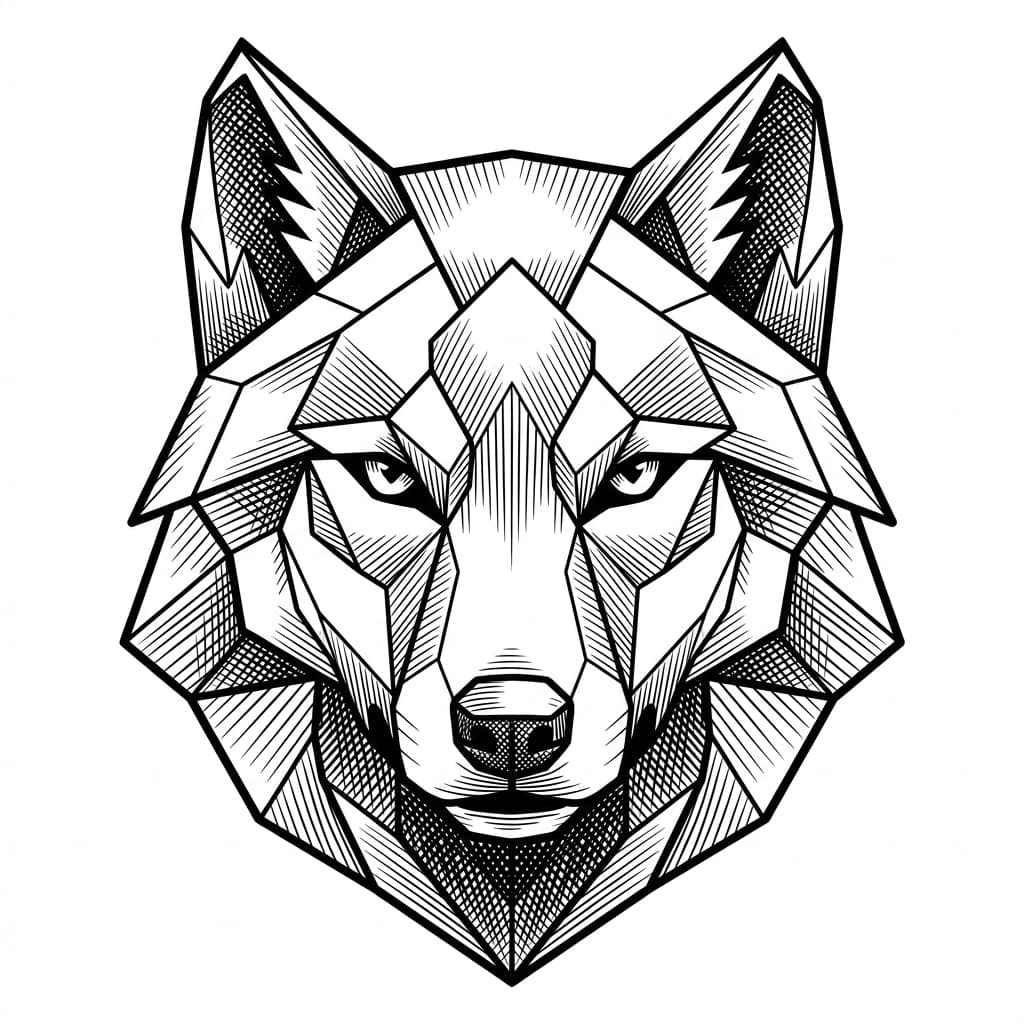
“Geometric wolf head emblem”
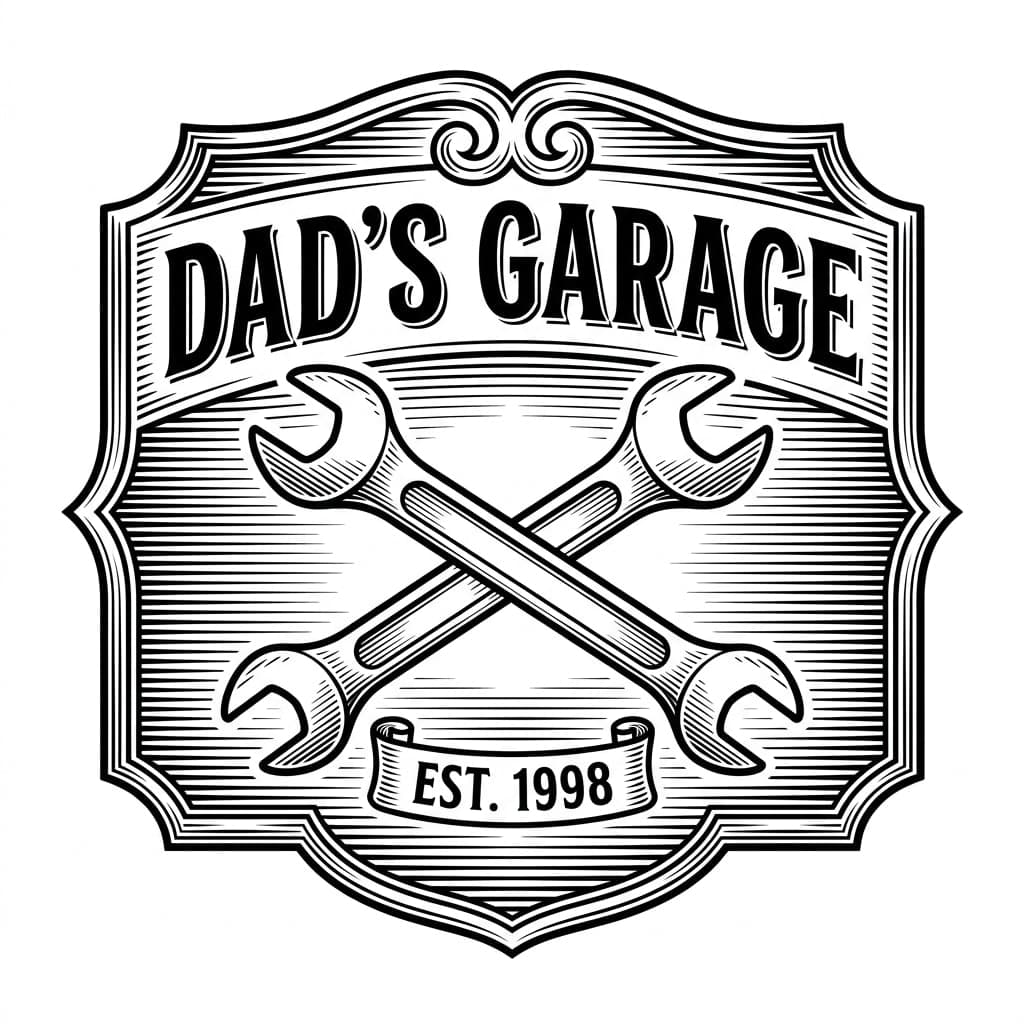
“Garage sign reading "DAD'S GARAGE" and "EST. 1998" with crossed wrenches”
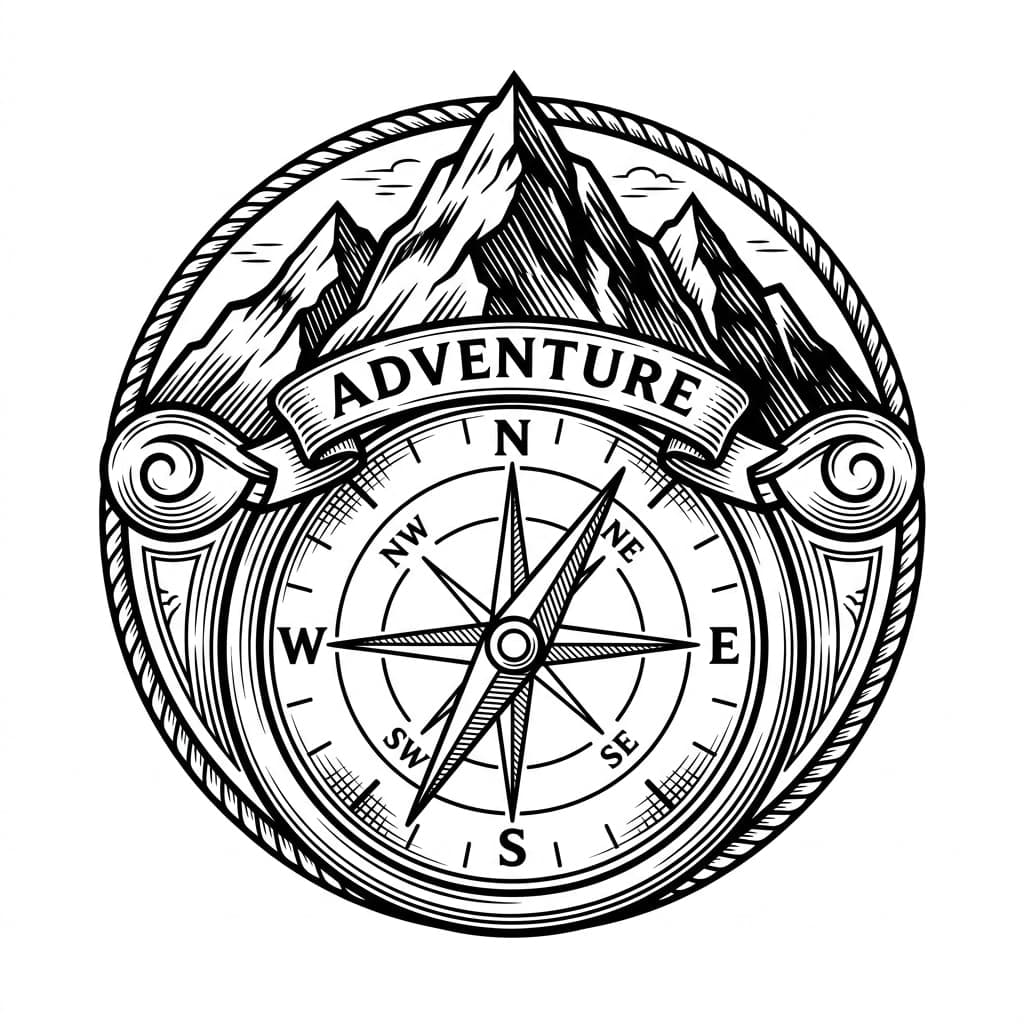
“Adventure compass and mountain badge”
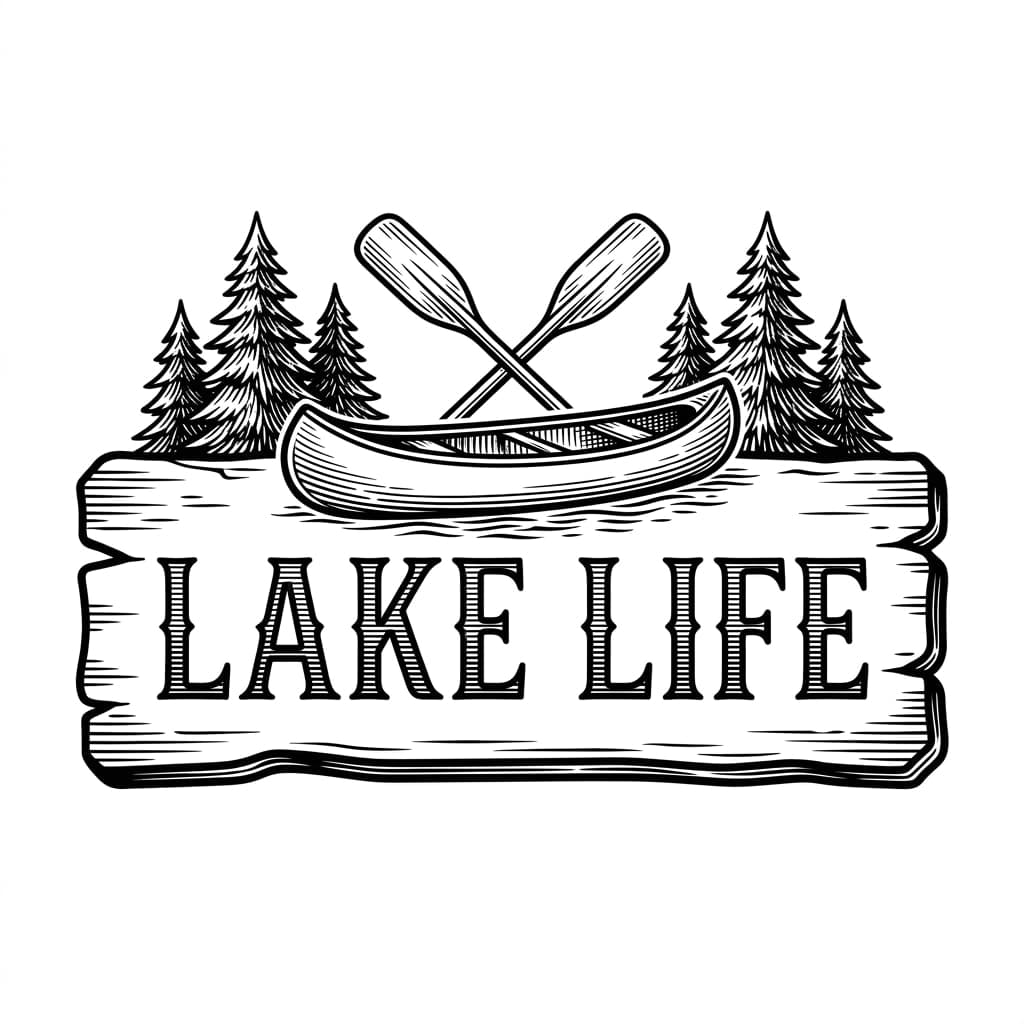
“Cabin sign reading "LAKE LIFE" with a canoe, paddles and pine trees”
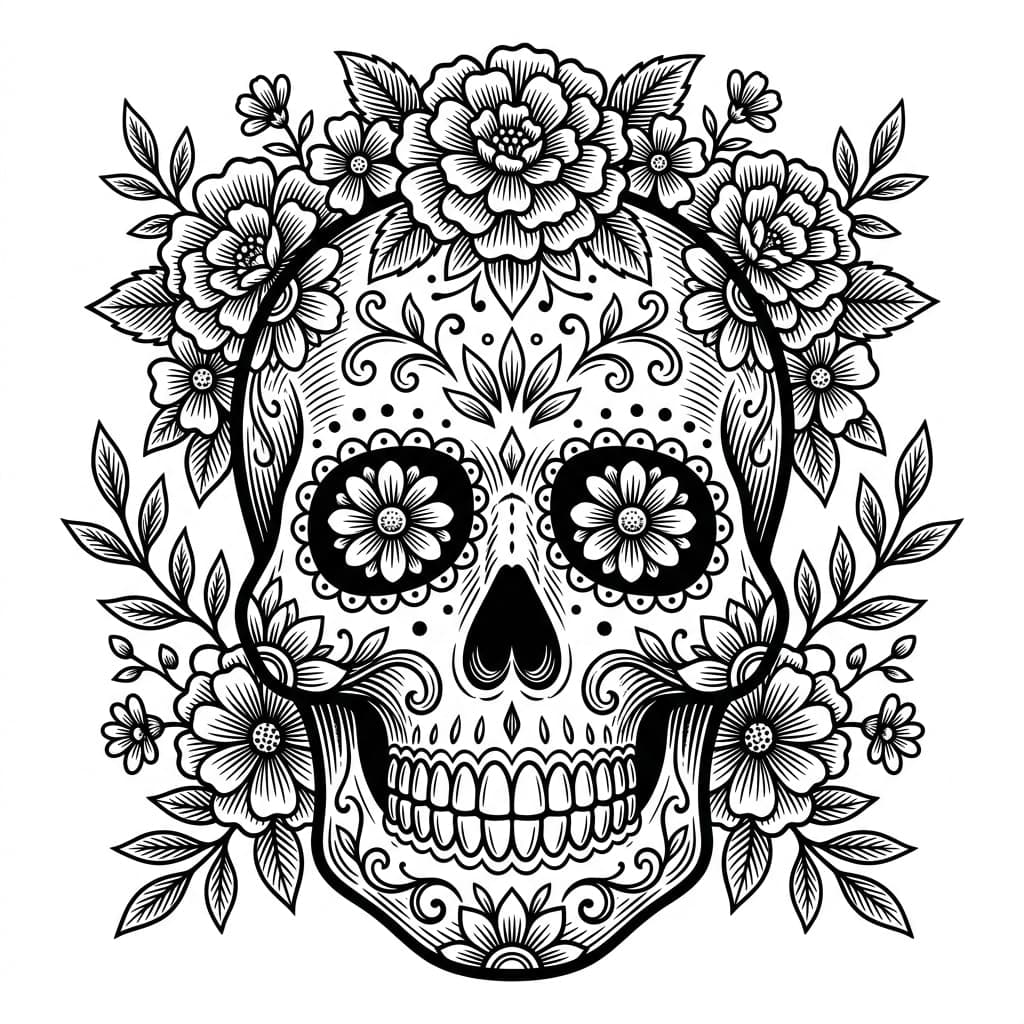
“Sugar skull with florals”
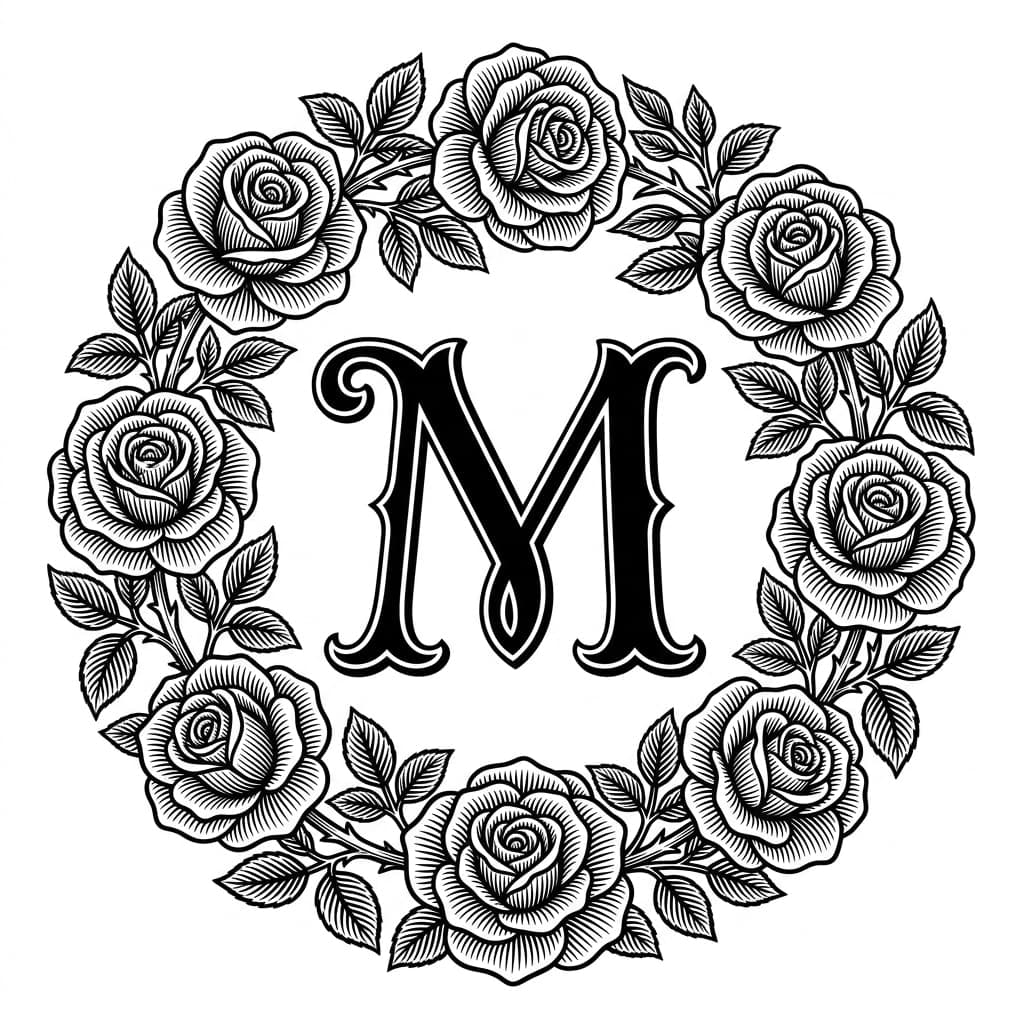
“Monogram letter M with a rose wreath”
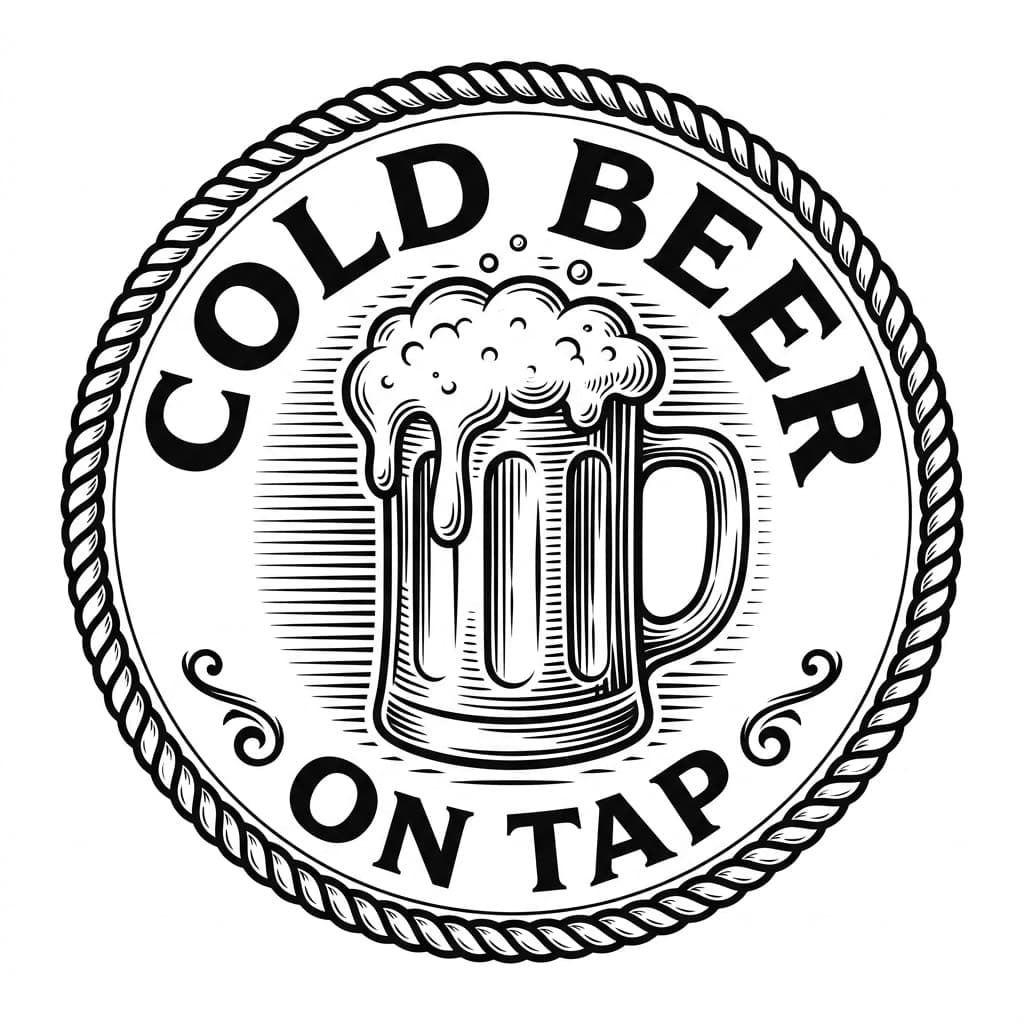
“Round pub badge reading "COLD BEER" and "ON TAP" with a frothy mug”
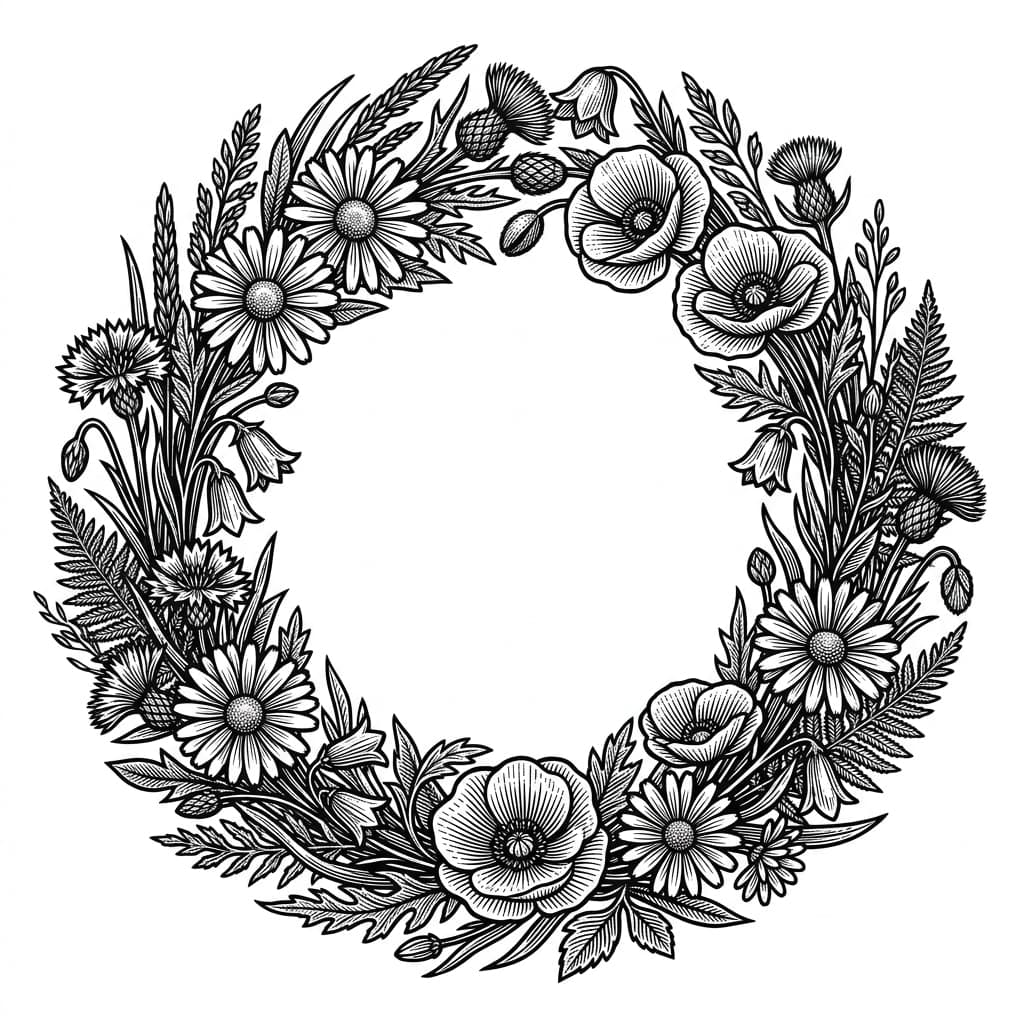
“Wildflower wreath frame with an open center”
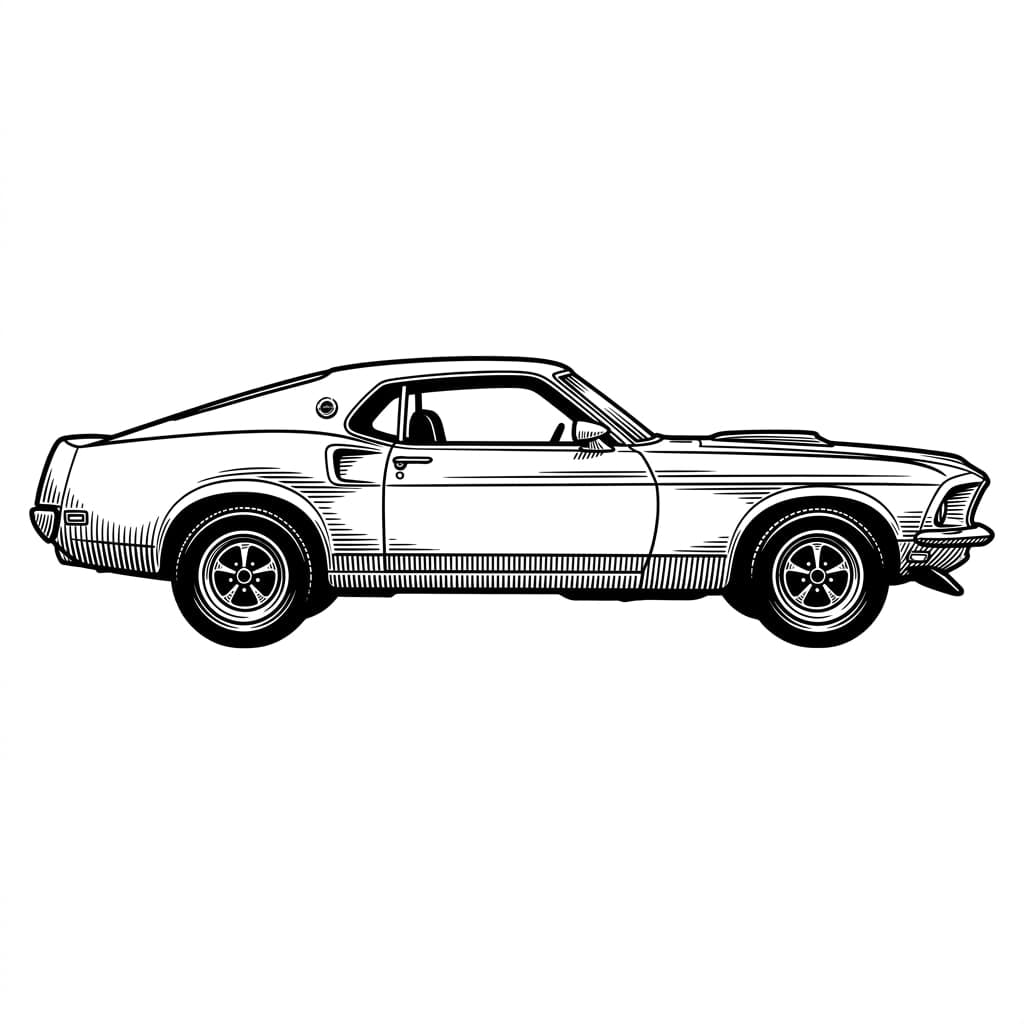
“1969 Mustang side profile”
Every image here is AI-generated artwork from the prompt shown, not a photograph of a finished engraving. What you download is the vector traced from artwork like this.
Selling what you cut? Your files are covered.
Commercial use on every design
Sell the pieces you make: signs, ornaments, gifts, market stock. Every credit pack and the membership include it.
$0.31 to $0.60 a design
Even if an idea takes three tries, you're under $2. Compare that with an hour of your own time spent tracing and cleaning up nodes.
Price it before you cut it
The free profit calculator shows your real margin per piece after material, electricity, fees and shipping.
What will you make?
From one-off gifts to a full Etsy catalog — start from a proven design and have a laser-ready file in seconds.
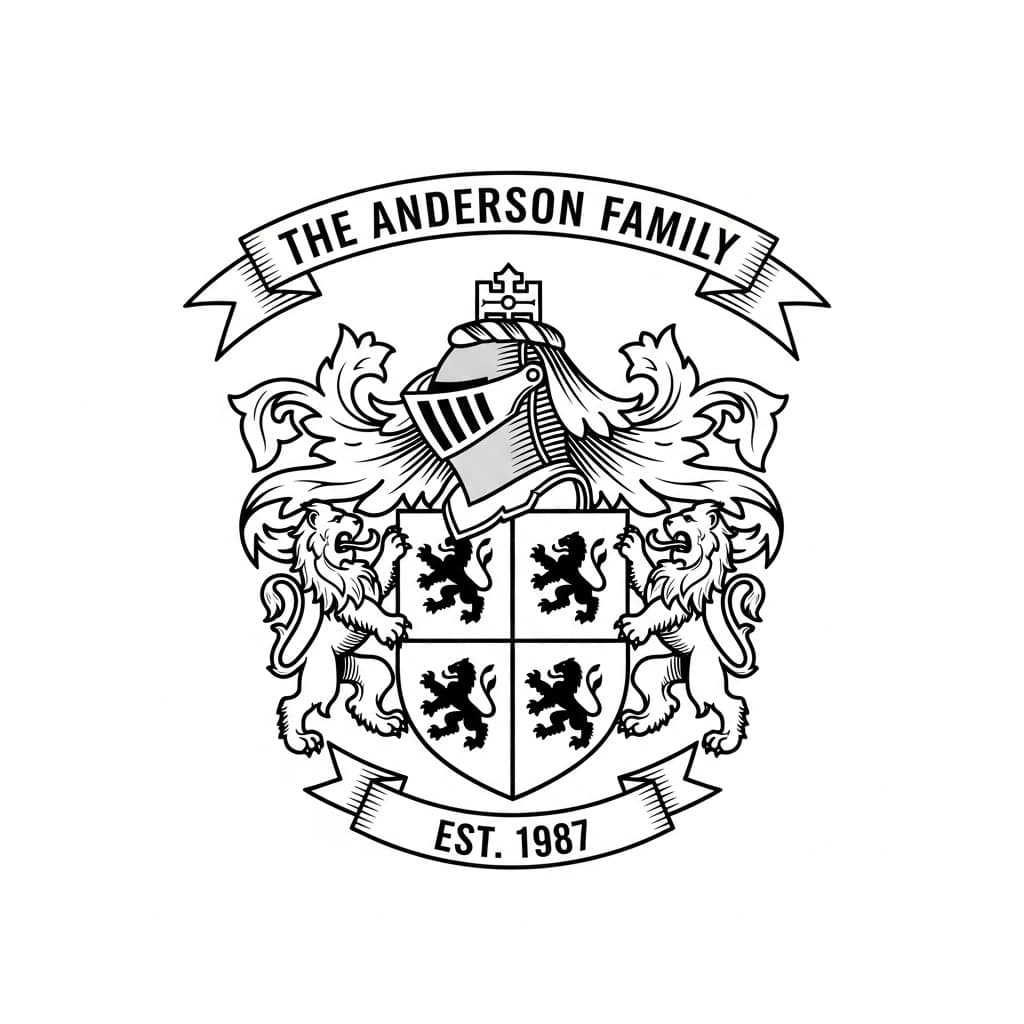
Custom Family Crests
Original coats of arms with your family name and country of origin. A standout wedding or reunion gift.
Explore family crests→Wedding Monograms
Elegant initials wrapped in florals for invitations, cake toppers, and welcome signs.
See wedding monograms→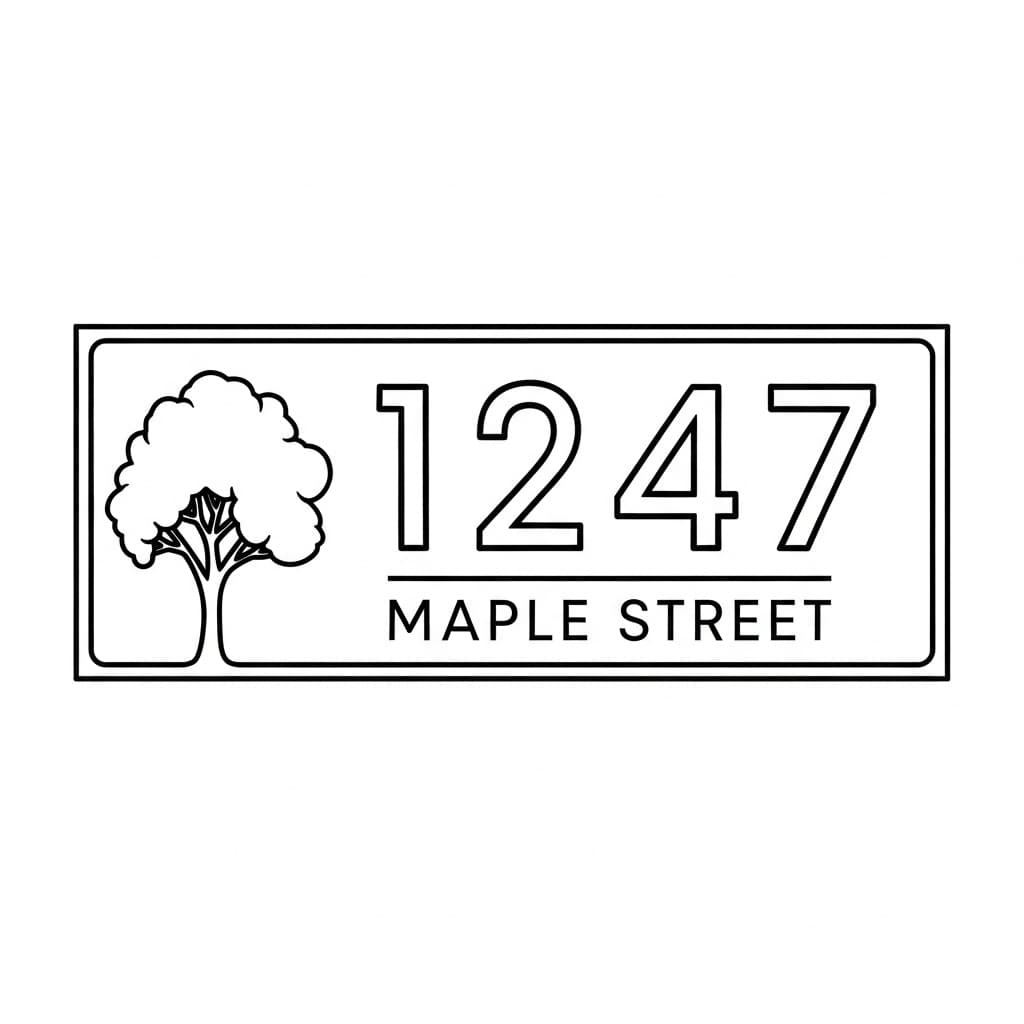
Address & House Number Signs
Modern, farmhouse, or classic house number plaques — a go-to housewarming present and realtor closing gift.
See address signs→Laser files without the hours of tracing
Describe a design and get back laser-ready SVG and DXF files with cut paths and engrave layers already separated.
Membership
$5/month
10 credits added every month
Unused credits roll over and never expire — save three months' credits and you'll have 30 waiting. That works out to $0.50 per generation, less than the $9 pack.
Renews at $5 each month until you cancel. Cancel online anytime — credits you've already received stay in your account. You’ll sign in with Google first.
Basic
$9
Maker
$15
Studio
Best value$25
Every pack includes AI recreation of sketches and photos, SVG + PNG + DXF exports, commercial use rights, and credits that never expire.
Auto vector conversion
Our hybrid tracing engine converts to clean SVG paths with separated cut and engrave layers
Art drawn for a laser
Google's Gemini image model, prompted for pure black and white, closed shapes and no hairlines a beam can't reproduce
Scale to any size
Vector output means no quality loss. Engrave on a keychain or cut a 4-foot wall piece
Questions, answered
What is LaserBurn AI?
+
LaserBurn AI is an online tool that turns any text description, photo, or sketch into laser-ready files. It generates the artwork with Google’s Gemini image AI, then automatically traces it into clean SVG cut paths and engrave layers — no Adobe Illustrator or manual tracing required.
Which laser software does it work with?
+
The files import directly into LightBurn, xTool Creative Space, Glowforge, and RDWorks — any laser software that accepts SVG or DXF.
Can it create text, lettering, and signs?
+
Yes. LaserBurn AI renders crisp, legible text for personalized signs, family name plaques, established-date signs, monograms, bar and garage signs, and hand-lettered quotes.
How much does LaserBurn AI cost?
+
Monthly membership is $5 for 10 generations added each month. One-time packs are $9 for 15 generations, $15 for 40, and $25 for 80. Credits never expire, and monthly membership can be canceled online anytime.
What if a generation fails or doesn’t come out right?
+
If a generation fails, its credit is refunded to your account automatically. If the design isn’t what you pictured, change the prompt and generate again; each try uses one credit. If something goes wrong and a credit isn’t returned, contact support and we’ll restore it.
Will it work for my idea?
+
It works best for designs with clear shapes: signs, lettering, emblems, silhouettes, line-art portraits and ornaments. Very photographic scenes lose detail when turned into pure black and white; for those, the Photo to Engrave tool is the better fit.
Do I get commercial use rights?
+
Yes. Every credit bundle includes full commercial use rights for the files you generate, so you can sell what you cut and engrave.
What file formats do I get?
+
Every generation produces an SVG (vector cut paths plus raster engrave detail), a PNG transparent engrave layer, and a DXF file with CAD-compatible cut paths.
Do I need design software like Illustrator?
+
No. You describe what you want to make or upload an existing image, and LaserBurn AI handles the AI generation, vector tracing, and cut/engrave layer separation automatically.
Not ready to generate yet?
Laser Profit Builder
A designed guide, printable research and production worksheets, and the live profit calculator. Research, cost, prototype and launch one original CO2 laser product.
Get the free starter kit →Get 100 free laser-ready designs
We email you a download link for the complete Beginner Bundle. No account, credit card, or paid license required.